 SurgePix Docs
Best AI PPT tools 2026 / Gamma alternative
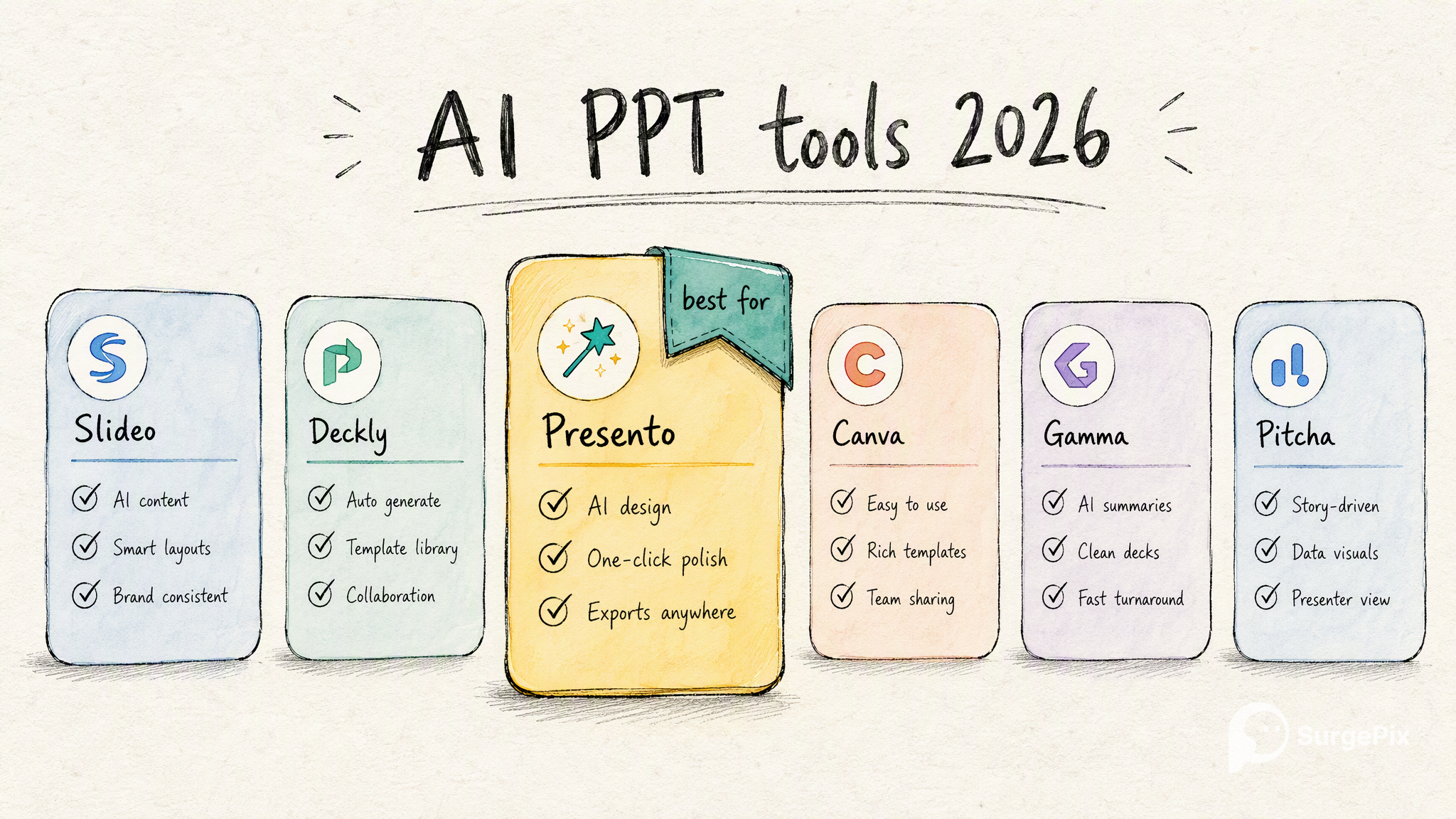
There's no single "best" AI presentation tool — it depends on whether you value speed, design control, an all-in-one suite, or editing after generation. Below is an honest 2026 comparison of the leading AI PPT tools, what each is genuinely best for, and when it makes sense to look for a Gamma alternative.
How to choose (in one line each)
- Want a full deck fastest? Gamma.
- Want slides that auto-arrange cleanly? Beautiful.ai.
- Already live in a design suite? Canva.
- Want AI inside Google Slides / PowerPoint? Plus AI or Microsoft Copilot.
- Want to edit every layer after generating (and make more than slides)? SurgePix.
The tools
Gamma
The category leader for speed — type a prompt and get a usable deck (or webpage/doc) in under a minute. Best for: getting a full first draft fast. Free tier: 400 one-time credits. Paid: Plus ~$8/mo, Pro ~$15/mo. Watch-out: free decks carry a "Made with Gamma" watermark, and the free credits don't refill.
Beautiful.ai
Template-driven design where slides auto-arrange as you add content, so decks stay tidy without manual nudging. Best for: clean, on-brand slides without fiddling. Paid: Pro from ~$12/mo (annual). Watch-out: the smart-template system trades some freeform control for consistency.
Canva
An all-in-one design suite; presentations are one of many things it does, with Magic Design for AI drafts. Best for: teams already using Canva for everything. Free tier: generous. Paid: Pro ~$13–15/mo. Watch-out: presentation-specific depth is lighter than dedicated deck tools.
Tome
Started as AI storytelling decks; increasingly oriented toward sales/BD use cases. Best for: narrative, sales-style decks. Free tier: limited credits. Paid: Pro ~$16/mo. Watch-out: focus has shifted over time — check it still fits general deck-making.
Plus AI
An AI layer inside Google Slides and PowerPoint — generate and edit without leaving the tool you already use. Best for: staying in Slides/PPT. Paid: from ~$10/mo (annual). Watch-out: it's an add-on, not a standalone app.
Microsoft Copilot in PowerPoint
Generates and edits decks natively inside PowerPoint. Best for: enterprises standardized on Microsoft 365. Watch-out: requires M365 + a Copilot license; not a fit for casual or non-Microsoft users.
SurgePix
Generates a finished deck from a prompt, then lets you edit every layer (text, image, chart, layout, style) instead of re-rolling — and it makes more than slides (images, carousels, posters) from the same workspace. Best for: people who want editing control after generation, or publish-ready visuals beyond only PPT. Free tier: free daily credits. Paid: subscription (see pricing). Watch-out: newer than the incumbents; broader than a slides-only tool.
Quick comparison
|
Tool |
Best for |
Free tier |
Entry paid |
|---|---|---|---|
|
Gamma |
Fastest full draft |
400 one-time credits |
~$8/mo |
|
Auto-arranging clean slides |
Trial |
~$12/mo |
|
|
Canva |
All-in-one design suite |
Generous free |
~$13–15/mo |
|
Tome |
Narrative / sales decks |
Limited credits |
~$16/mo |
|
Plus AI |
AI inside Slides/PowerPoint |
Trial |
~$10/mo |
|
Copilot (PPT) |
Enterprise on Microsoft 365 |
With M365 |
Copilot add-on |
|
SurgePix |
Generate + edit every layer; multi-format |
Free daily credits |
Subscription |
Prices as of 2026; check each tool for current plans.
Looking for a Gamma alternative?
Gamma is excellent at what it does — speed. Consider an alternative when your priority is different:
- You want to keep editing after the first draft, not re-generate and hope → a tool built around editing every layer (e.g., SurgePix).
- You need more than slides — social carousels, posters, images from the same place → a multi-format visual tool.
- You dislike the free-tier watermark or one-time credits → tools with a refreshing free tier.
- You live in Google Slides / PowerPoint → Plus AI or Copilot.
- You want template-enforced consistency → Beautiful.ai.
FAQ
- What's the best AI PPT tool in 2026? It depends on your priority: Gamma for speed, Beautiful.ai for auto-clean design, Canva for an all-in-one suite, Plus AI/Copilot to stay inside Slides/PowerPoint, and SurgePix if you want to edit every layer after generating.
- What's a good free AI presentation tool? Gamma (400 starter credits), Canva (generous free tier), and SurgePix (free daily credits) all let you start without paying.
- What's the best Gamma alternative? If you want editing control and multi-format output, SurgePix; for template consistency, Beautiful.ai; to work inside Slides/PowerPoint, Plus AI.
- Do these export to PowerPoint (.pptx)? Most do (Gamma, Beautiful.ai, Canva, Plus AI, SurgePix); check that editability is preserved on export, as some flatten slides.
- Which is best for a McKinsey-style deck? Any of them can, if you prompt for action titles and the pyramid structure — see our guide to McKinsey-style decks with AI.
→ Try SurgePix free — generate a deck, then edit every layer.