 SurgePix Docs
How to Remove a Background From a Photo for Free
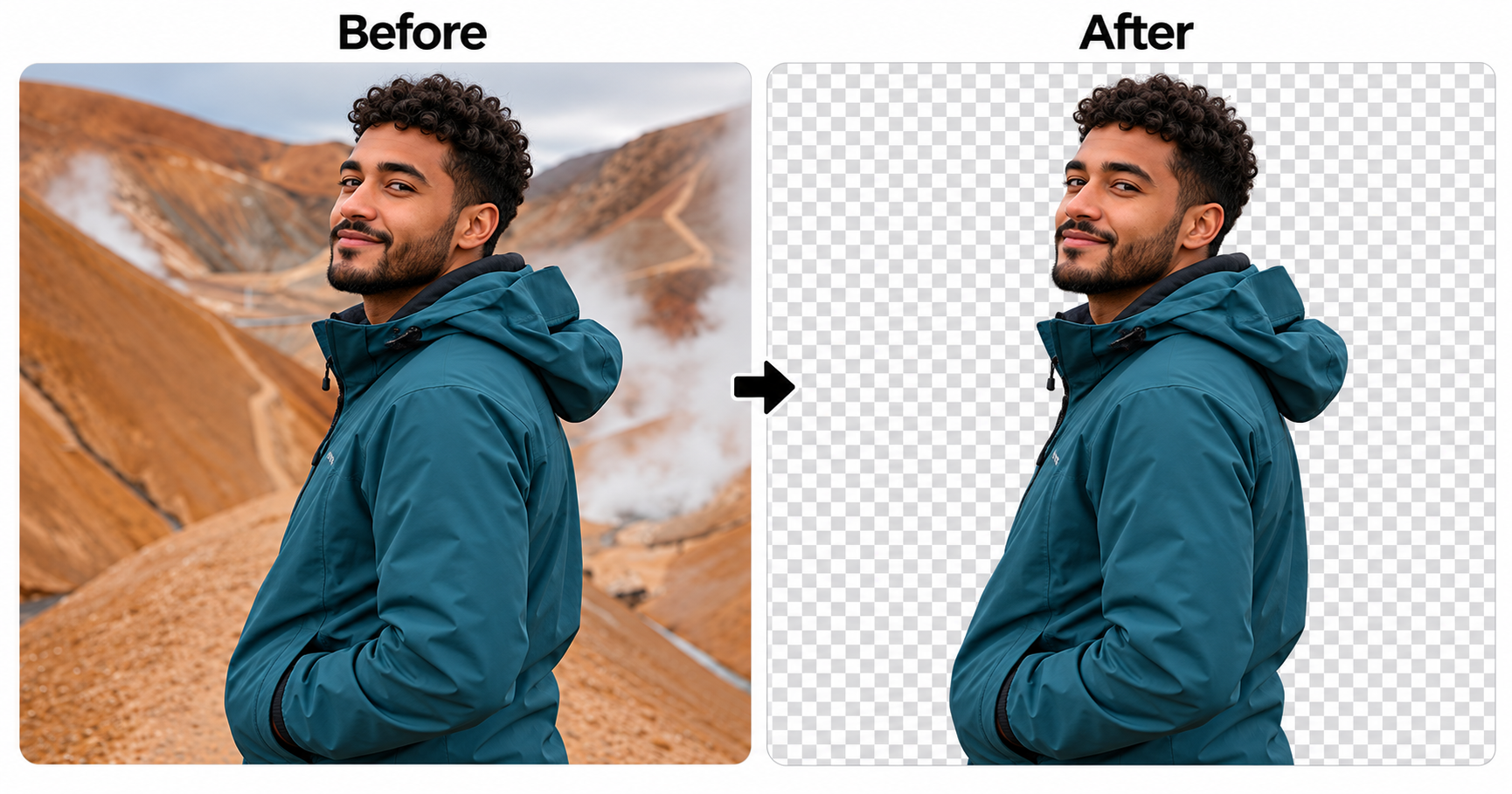
You don't need Photoshop or a subscription to get a clean cut-out. Here's how to remove a background from any photo for free, in about ten seconds, and download it as a transparent PNG.
Want the full picture — by hand, semi-automatic, and AI? See the complete guide to removing an image background.
Remove a background for free in 3 steps
- Open the tool. Go to the free background remover.
- Upload your photo. Drag in a JPG or PNG — a person, product, or object works best.
- Download the PNG. The AI removes the background automatically; download your subject on a transparent layer.
That's it. No install — log in and you get 25 free credits a day.
Developer? The same remover is an agent skill — run it from Claude Code or Cursor with
npx skills add surgepix/agent-skills. Setup is in the complete guide.
Why free tools sometimes look bad (and how to avoid it)
Most "free" background removers fail in the same two places:
- A white halo around hair. Cheap models cut a hard edge and leave a pale outline. Use a remover that's built to keep soft strands — the one above is tuned for hair.
- A fake transparent background. Some exports look transparent in the preview but save as a white box. Always download as PNG, which stores real transparency; JPG can't.
Free vs. paid: what actually differs
The free plan gives you 25 credits a day — enough for everyday cut-outs. Need more? Paid plans are a low-cost subscription (no one-time top-ups) — see current pricing. So start free — remove your background now — and upgrade only if you hit the daily limit.
Try it now: Remove your photo's background for free →
FAQ
Is it really free?
Yes — log in and you get 25 free credits a day, which refresh every day.
Is there a watermark?
A quick export has a small watermark. On the free plan, create a project and export from there for a watermark-free download.
Do I need to sign up?
Log in to use your free daily credits — it's free to start.
What's the best format to download?
PNG, so the background stays transparent. Choose JPG only if you're putting the subject on a solid color.
Can I change the background to a new color after?
Yes — once you have a transparent PNG, drop it onto any color or scene.