 SurgePix Docs
GPT-Image 2.5: What's New (and Why Editing Just Got Serious)
TL;DR
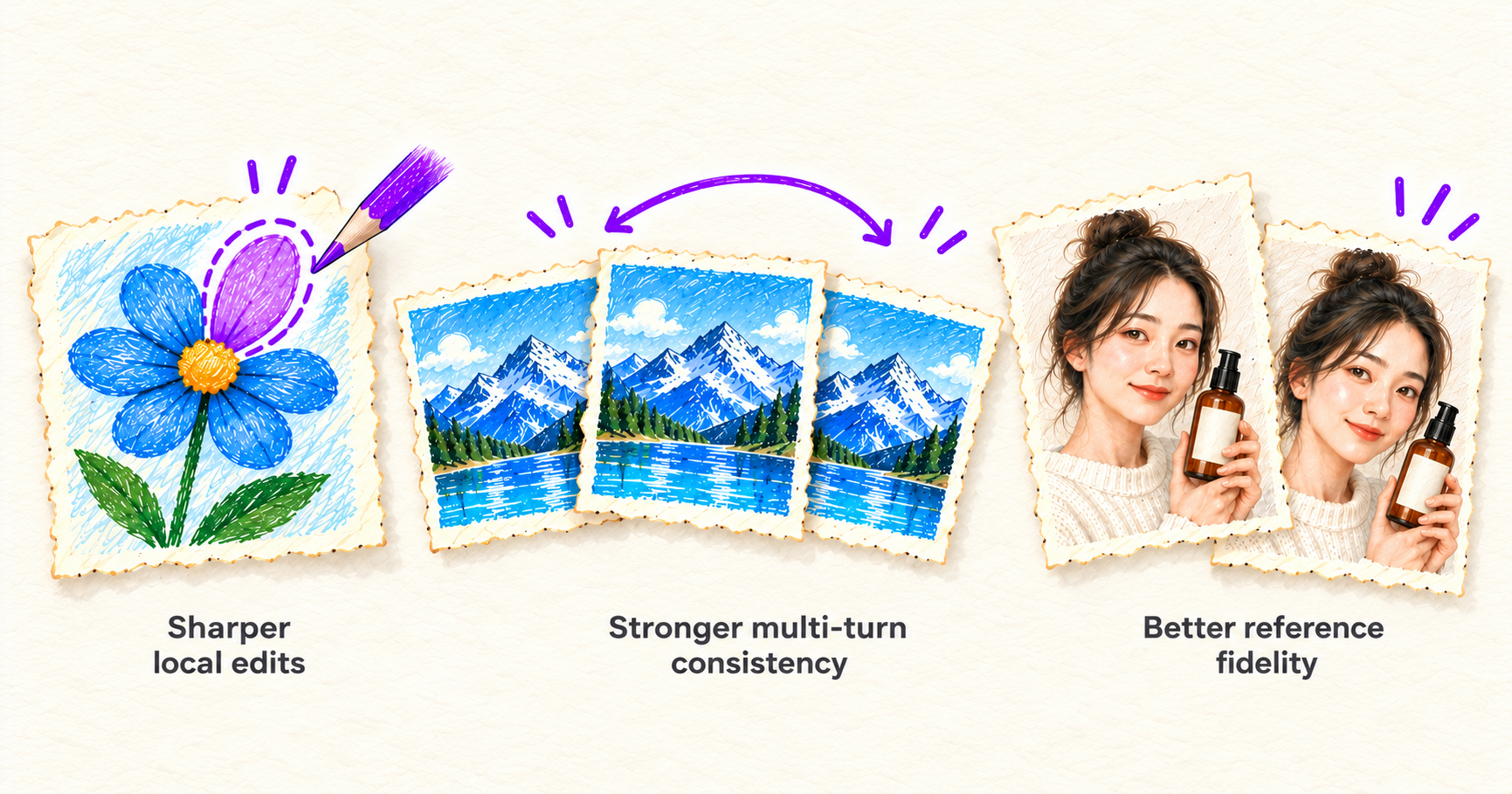
GPT-Image 2.5 is OpenAI's latest image model, and the headline isn't "prettier first drafts." It's what happens after you generate: you can redraw one part of an image without touching the rest, edit the same image ten times and keep it consistent, and feed in reference images that actually hold up — people and products stop "drifting" into someone else. In short, the value moved from the generate button to the edit loop. This guide covers what changed and how to put it to work.
The one-line version
For two years, AI image tools were slot machines. You typed a prompt, pulled the lever, and if the result was 90% right, your only move was to pull again and pray the next roll kept the good parts. GPT-Image 2.5 is the model that finally makes the other 90% — the editing — reliable.
What actually changed in GPT-Image 2.5
1. Precise local editing (inpainting that respects the rest)
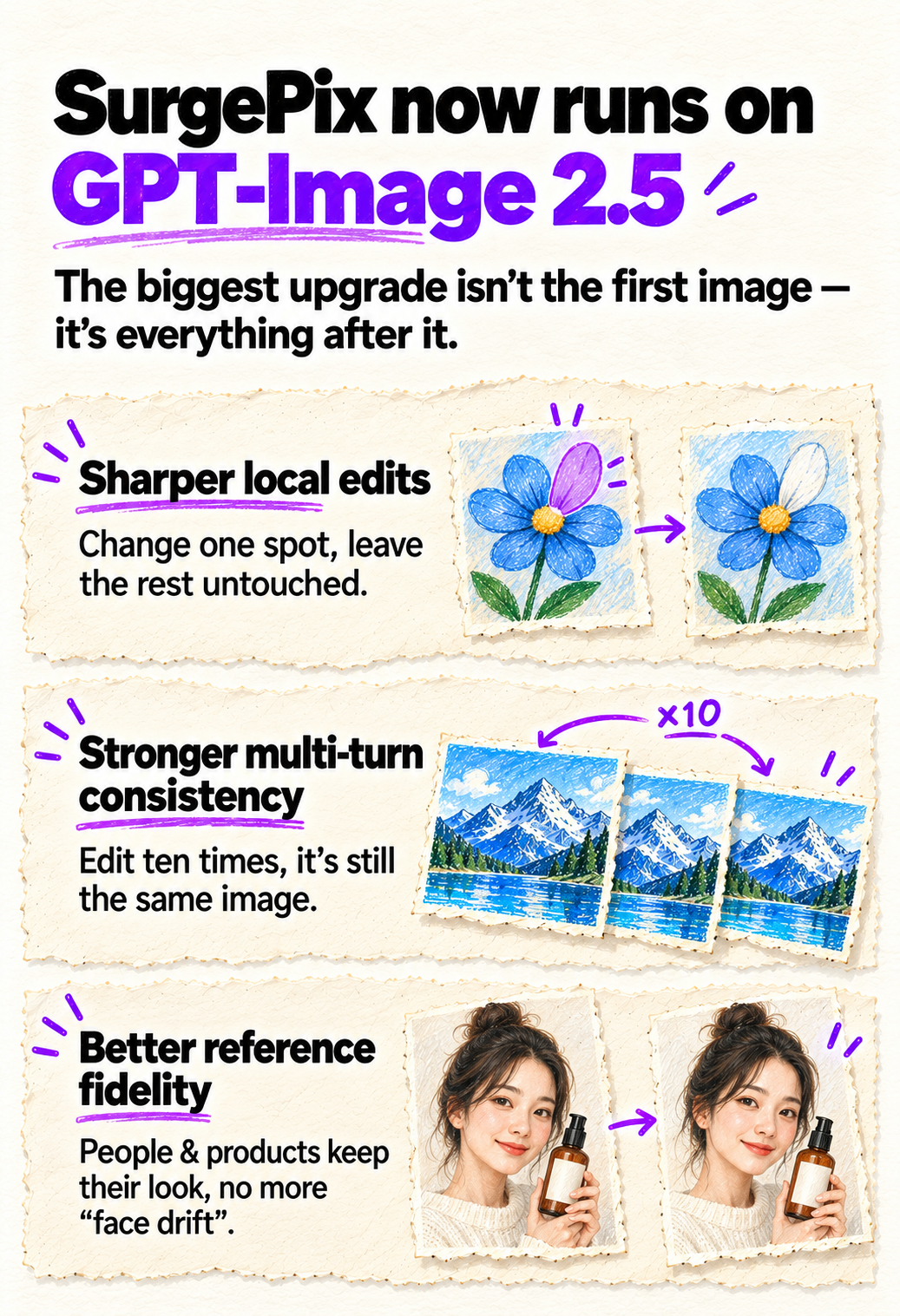
The biggest shift. You can now point at one region — a jacket, a headline, a product on a shelf — and change just that, while the subject's identity, the composition, and your brand styling stay put. No more "fix the shirt, lose the face." This is what makes true inpainting on AI images practical instead of a gamble.
2. Multi-turn consistency
Edit once, edit ten times — it's still the same image. Earlier models would subtly reinvent the scene on every pass, so a chain of edits slowly turned into a different picture. 2.5 holds the base steady across turns, which is the difference between "one lucky output" and an actual iterative workflow.
3. Reference-image fidelity
Give it a person, a product, or a brand asset as reference, and it keeps the likeness. People don't "change face," products keep their shape, and you can produce a series of on-brand visuals that genuinely look like they belong together — not six cousins of the same idea.
4. From "describe it" to "point at it"
Sketch input, templates, and image-level comments mean you're no longer forced to express every change in words. You can show the model where and what — a visual interaction, not a paragraph of prompt engineering. (If you've used @-mentions on a design canvas, this is the same instinct: point, don't narrate.
Why this is a bigger deal than it sounds
OpenAI now serves images at enormous scale — on the order of billions a week through GPT-Image. At that volume, the bottleneck was never "can it make a nice first image." It was: you get a nice first image and then you're stuck with it. Wrong word in the headline, slightly off color, one element out of place — and the only lever was re-roll.
GPT-Image 2.5 reframes the whole thing. The first image is a starting point, not a final answer. The value lives in the edit loop — and that's exactly the part teams actually spend their time on.
How SurgePix uses GPT-Image 2.5
A better model is only half the story. You still need a surface where "edit just this part" and "keep it consistent across ten turns" are first-class actions, not buried behind re-prompts. That's what SurgePix is built for:
- Brush-based inpainting — circle a region on the canvas, describe the change, and 2.5 redraws only that. Everything else stays. (how it works →)
- Everything stays in editable layers — split a generated visual into layers, edit text baked into an image, swap a background, move a subject. No re-rolling.
- @-mention any element — reference or restyle any element across your project, visually, instead of re-describing the whole scene.
- Your brand, remembered — reference fidelity plus a brand kit means a consistent series, not one-off luck.
- Export + callable — ship as PNG / SVG / PPTX, and call SurgePix as a skill from Claude Code or Cursor.
If you're choosing between tools for exactly this "edit after you generate" workflow, our SurgePix vs Gamma head-to-head breaks down where a layer model beats a block model.
Try it
Generation is step one. GPT-Image 2.5 made the other 90% — editing — reliable, and SurgePix is the canvas built around it. Start free at surgepix.ai →
First 3 months: Basic $0.99/mo (2,000 credits ≈ 130+ images) or Pro $4.99/mo (11,500 credits ≈ ~750 images) — SurgePix welcome offer.
FAQ
Is GPT-Image 2.5 better than the previous version?
For first-pass image quality it's incremental; for editing it's a step change. If your work is "generate and keep refining," that's where 2.5 earns its keep.
Can GPT-Image 2.5 edit just one part of an image?
Yes — precise local editing (inpainting) is the headline feature. In SurgePix you brush the region and describe the change; the rest of the image is preserved. See the walkthrough.
Does it keep people and products looking the same across edits?
That's the multi-turn consistency and reference-fidelity improvement — far less "face drift" and easier to build a consistent brand series.
How do I try GPT-Image 2.5?
SurgePix runs on GPT-Image 2.5 today, with the editing surface built around it. Try it free →