 SurgePix Docs
Surgepix Tools
Tools overview
Surgepix provides a suite of tools designed to streamline your workflow and enhance creativity. All tools are accessible from the Tools page in the sidebar.
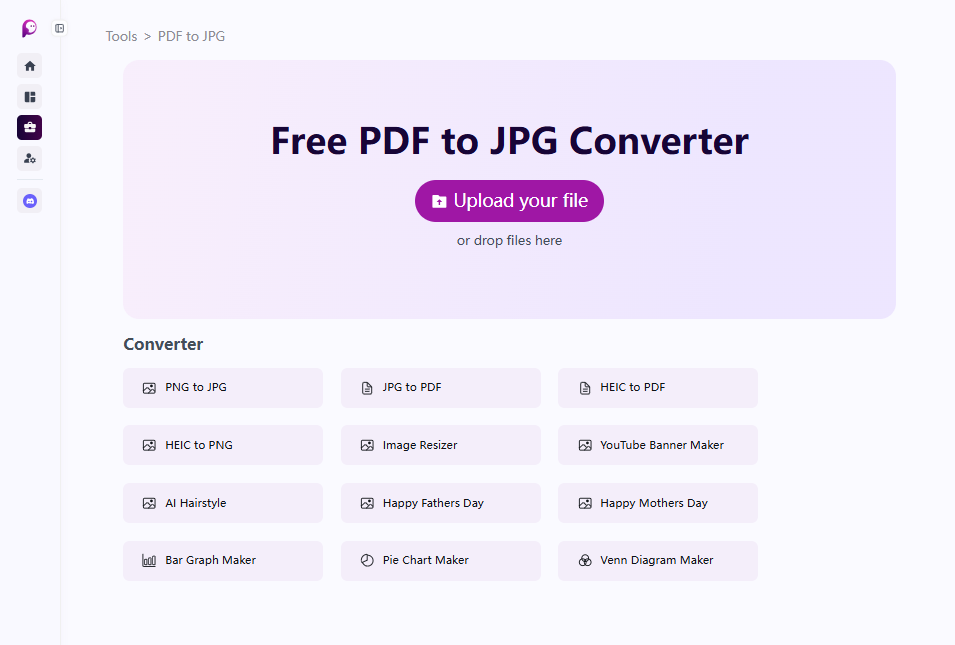
Converter
Quickly convert between common file formats for images and documents:
- PDF to JPG
- PNG to JPG
- JPG to PDF
- HEIC to PDF
- HEIC to PNG
These tools are useful for preparing files for AI generation, sharing, or integration into other projects.
Image Editor
Basic editing tools to adjust your images without leaving Surgepix:
- Image Resizer – Resize any image to the desired dimensions while keeping quality.
Creative AI
AI-powered tools for generating themed visuals and graphics:
- YouTube Banner Maker – Quickly design a professional channel banner.
- AI Hairstyle – Explore creative hairstyle ideas.
- Happy Mothers Day / Happy Fathers Day – Generate holiday-specific visuals with AI.
These tools offer ready-made prompts and templates for faster creation of themed content.
Image Generator
Generate charts and diagrams directly in Surgepix:
- Bar Graph Maker
- Pie Chart Maker
- Venn Diagram Maker
Ideal for visualizing data in reports, presentations, and social posts.
Quick Tips
- Each tool includes a simple interface to guide input and output settings.
- Upload reference files when needed to influence the AI output.
- Use these tools in combination with templates and AI generation prompts to produce polished, professional results.